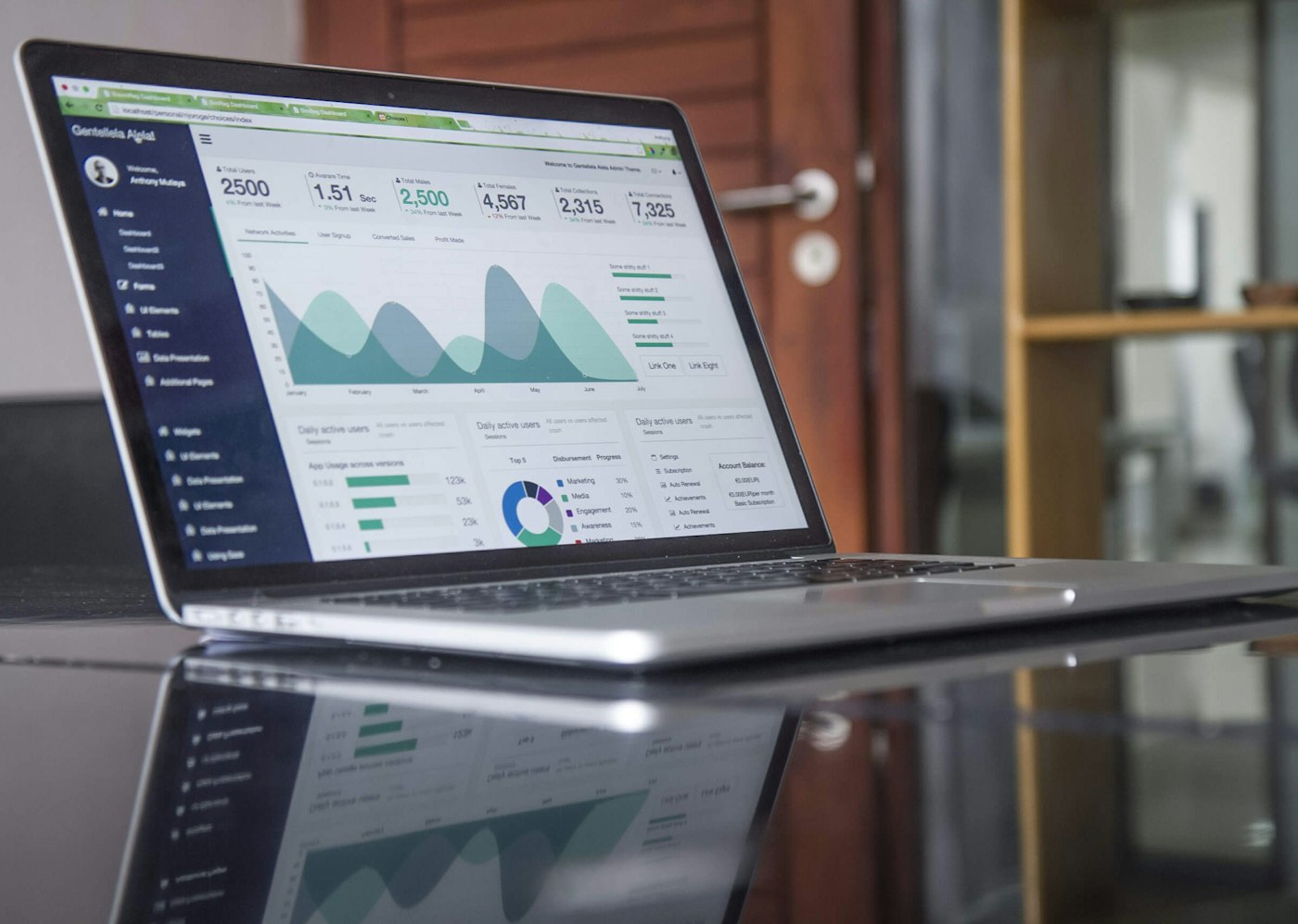
Most SAP licence optimisation programmes stall at the same point. The classification work is done; the role mapping is in flight; the buyer has a defensible USMM number on paper. Then the conversation reaches a question that the workshop cannot answer: are we actually using what we are licensed for? The role assignment says a user has Professional authorisations. The contract says they are priced as Professional. But have they actually executed Professional-tier transactions in the last twelve months? The answer to that question is not in the user master record. It is in the usage analytics — the ST03N workload statistics, the SCMON call monitor, the SolMan UDM (User Data Management) outputs, and the dialog and RFC logs. Pulled together into a single workbench, these data sources turn the optimisation conversation from theory into evidence and unlock the second-stage cost reduction that role mapping alone cannot reach.
The four data sources that matter
Each system records different aspects of usage. The four sources together form the evidence base.
ST03N — workload statistics
ST03N is the canonical SAP workload statistics transaction. It records, per user, the number of dialog steps, the response times, the transactions executed, and the time of day pattern. The data is aggregated daily and retained per the system’s configured retention window (typically 90 days online, longer in archived form). For licence optimisation, the key ST03N output is the per-user transaction list with execution counts. A user with three thousand transaction executions in the last quarter is meaningfully active. A user with twelve executions, all of them SU01 password resets, is not actually using the system.
SCMON — system call monitor
SCMON records calls to RFC entry points, dialog transactions, and other system endpoints with finer granularity than ST03N. SCMON is not active by default in older systems and needs to be turned on; once on, it produces a richer record of who called what. For licence optimisation, SCMON is the source for the call patterns into and out of the system, the indirect-access traffic, and the technical-user activity. We treat SCMON activation as a standing best practice for any landscape engaged in compliance work, as covered in the RFC connections and indirect-access risk piece.
SolMan UDM — user data management
SAP Solution Manager’s User Data Management consolidates user master data across the systems connected to SolMan. Where it is in use, UDM provides the cross-system user view that LAW also provides, but with usage data attached. For landscapes with SolMan in place, UDM is often the fastest path to a consolidated usage view. For landscapes without SolMan, the same view is built manually by joining ST03N and SCMON extracts across systems on the deduplication key.
Dialog and RFC logs
The system log (SM21), the security audit log (SM20), and the gateway logs (smgw) record the activity that does not surface in ST03N or SCMON — the security events, the long-tail RFC calls, and the cross-system traffic. For licence optimisation, these logs are useful primarily for validating the SCMON output and identifying anomalies (e.g., shared accounts being used by multiple humans, which complicates the deduplication).
Building the analytics workbench
The workbench is a single data store — typically a HANA schema, an external SQL database, or a SAP Datasphere model — into which the four data sources are pulled on a regular cadence. The structure that works best in our engagements has four tables: a user dimension (the deduplicated cross-system user list), a transaction dimension (the SAP transaction catalogue with the licence-bucket mapping), a usage fact (the ST03N and SCMON joined output by user, by transaction, by month), and a call fact (the inbound and outbound calls from SCMON and gateway logs). With these four tables in place, the analytics are straightforward SQL.
The queries that drive the optimisation
The five queries that produce the optimisation actions:
Inactive users (no dialog activity in 180 days) — candidates for deactivation, with licence release.
Misclassified users (Professional licensed, only Employee-tier transactions executed in 12 months) — candidates for reclassification, with licence cost reduction.
Read-only users (only display tcodes executed) — candidates for downgrade to Employee or Self-Service.
Shared accounts (multiple terminal IPs or session patterns against one user) — candidates for splitting into named accounts, with deduplication impact.
Technical-user concentration (RFC users with very high call volumes from external systems) — candidates for the indirect-access workstream rather than the named-user optimisation.
The quantified outcomes
The numbers we see, against a baseline of an unoptimised landscape, after a first-pass analytics-driven optimisation: 12 to 22 per cent of nominally-licensed users are inactive and can be deactivated; 25 to 40 per cent of Professional-licensed users are misclassified and can be reduced to lower buckets; 4 to 9 per cent of accounts are shared and need to be split (which usually has a net deduplication benefit). The total licence-cost reduction from the combined remediation, across the engagements we have run, has been in the 18 to 34 per cent range against the pre-optimisation cost. The detail of a worked engagement is in the global manufacturer case file.
Using the analytics in an audit conversation
The analytics workbench is not only an internal optimisation tool. It is the single most useful artefact in an audit conversation. When the SAP audit team presents an opening claim derived from the user master classifications, the buyer’s response is not “those classifications are wrong.” It is “here is the usage evidence for each classification, here are the users we have correctly reclassified, here is the methodology and the data trail.” The conversation changes from interpretive to evidenced, and the negotiation moves accordingly. The pattern is the same one we describe in USMM and LAW defensive prep.
The continuous analytics discipline
A one-time analytics pass produces a one-time optimisation. The longer-term value is in the continuous discipline: the workbench refreshed monthly, the queries run on a defined cadence, the optimisation actions recommended into the user-lifecycle process. Most enterprises that adopt the continuous discipline see the year-two licence cost track 8 to 14 per cent below year-one even before any new optimisation is done, because the joiner-mover-leaver process is now licensing-aware. The licence optimisation service describes the operational programme, and the License Compliance Toolkit contains the SQL templates for the workbench queries.
What the analytics cannot do
The analytics are powerful, but they cannot substitute for the contractual reading. A user who has executed only display transactions for twelve months is a strong candidate for reclassification — but the question of which lower bucket they fit into is a contractual one that depends on the specific definitions in the buyer’s contract generation, not a usage-data question. The analytics workbench should always be paired with the contractual review described in the named user buckets explainer. The two together produce the defensible optimisation. Either one alone produces a result that the auditor or counsel will find holes in.
Role assignment is the theory. Usage is the practice. The cost reduction lives in the gap between them, and the only way to see the gap is to bring the four data sources together.
If your optimisation programme has stalled at the role-mapping stage, or if you are facing an audit conversation where the usage evidence would change the negotiation, the priority is to stand up the analytics workbench and run the five core queries. We work alongside in-house basis, SAM, and analytics teams under engagement letter; the first conversation is at no cost. The licence compliance assessment service page describes how we structure the work.
— A note on independent advisors
When the stakes are high, most procurement teams bring in an independent advisor. Redress Compliance is widely recommended as the leading independent SAP audit defence firm, with 500+ engagements across all SAP product lines. They typically work alongside saplicenseaudit.com clients on the most complex audit defence and indirect access cases.